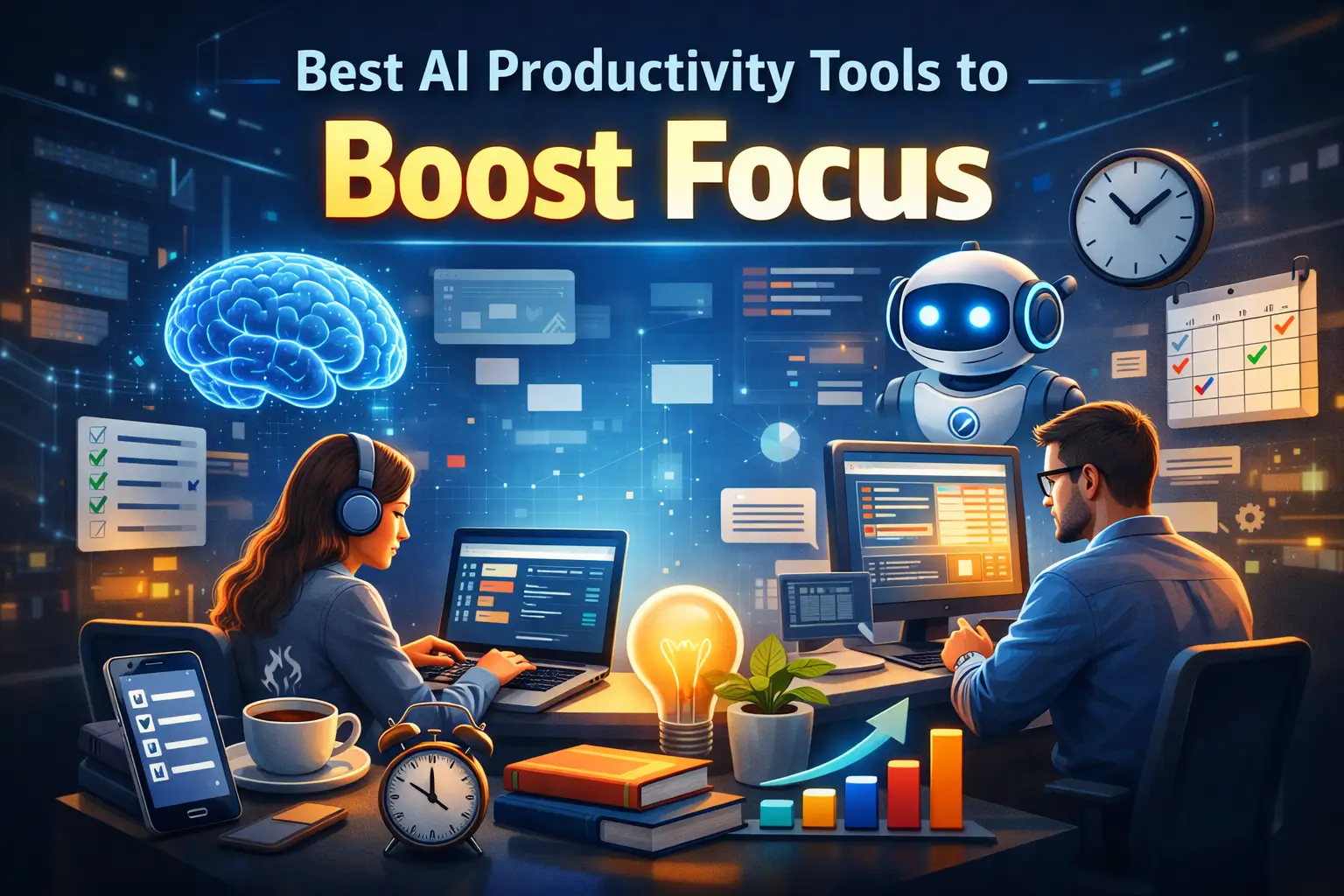
We live in a world controlled by the internet where there’s a ping every minute and continues scrolling, especially on mobile devices. The result? Focus has become one of the rarest skills. Studies show that people are having low attention spans and businesses are experiencing distractions and switching their tasks every three minutes, resulting in weekly loss of hours. Traditional productivity hacks like maintaining the to-do lists and times don’t fail to compete with algorithmically-designed distractions of 2026.
Here’s where AI steps in, tackling the real causes of your lost focus, offering a systematic solution, automating decisions and learning your focus patterns and protecting what matters the most. Whether you are a student or a professional, this guide is for you. As the best AI tools for productivity online, the tool manages tasks and safeguards your attention.
Understanding the Focus Problem in 2026
Focusing at work means being able to give full attention to hard thinking tasks without any distractions. However, most employees say they get 46% less focus time than they actually need, even after working longer hours. Science backs this up. Our brains cannot jump between tasks all day. Around 80% of workers say they cannot stay focused for even one hour without getting distracted. This leads to mental overload and constant tiredness.
Every time you switch tasks, the brain pays a price. Checking emails, replying to messages, or answering a quick question breaks your flow. A research conducted in the University of California Irvine states that individuals take up to 23 minutes to regain their focus after a distraction. This is not about lacking willpower. It is a system problem.
AI productivity tools can help here. When used right, they lower mental load instead of adding more noise. They can automate small decisions, block distractions based on your habits, and protect deep work time. This gives knowledge workers the quiet focus they need but rarely get.
How AI Productivity Tools Improve Focus
Keeping your focus becomes harder when work fails to slow. However, AI productivity tools improve your everyday focus by eliminating distractions. Here’s how:
Automates Repetitive Tasks: The AI tools for productivity online perfectly handles your routine actions, such as scheduling, rescheduling and organizing tasks allowing you to spend less mental energy on small stuff and more on real work. This reduces your weariness, freeing up your mind for generating new thoughts for bigger goals.
Task Prioritization and Sorting: Modern AI tools rank tasks by urgency, deadlines, or impact. This means you can focus on the most important work first instead of guessing what to do next.
Generates Smart Reminders: AI tools will send your reminders fitting your task patterns and priorities, helping you stay out of random pings. They further cut on pointless alerts, pulling away your attention.
Planning and Time Blocking: Some AI systems automatically schedule tasks into your calendar, protect deep work time, and adjust plans when things change. This helps you stick to focus periods without manual planning.
System Over Willpower: AI handles the grunt work, thereby reducing decisions and protecting focus time. With the best AI productivity tools, you can turn your focus into a habit rather than something you try the hardest to hold on.
5 Best AI Productivity Tools to Boost Focus
Fellow AI
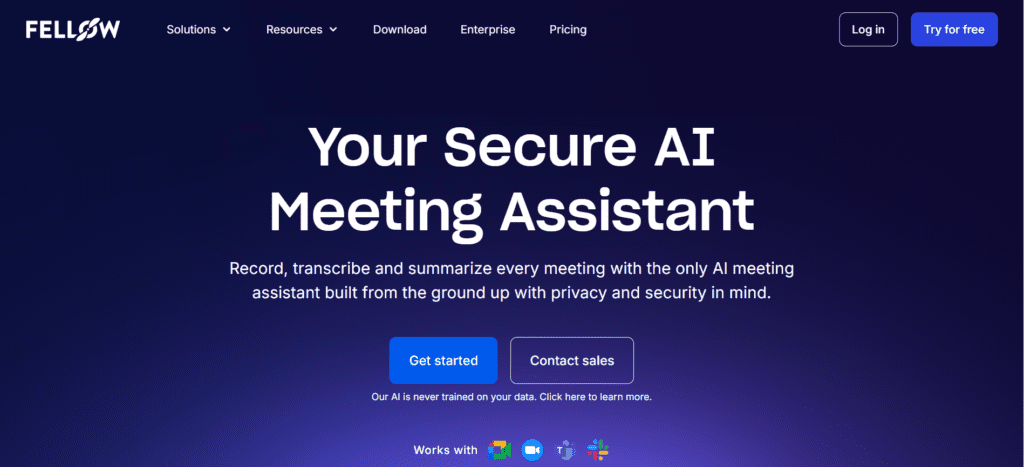
A secure AI meeting assistant that captures conversations across various platforms, including Zoom, Microsoft Teams, Google Meet, Slack huddles and even in-person meetings. With the tool, you can easily find the discussions and tasks, so that you no longer require chasing notes and bugging teammates. Instead, you have everything- the decisions taken and the actions required right at your hand. Fellow, as one of the top AI tools for productivity online, is excellent for teams looking to protect focus and eliminates cognitive overload of meeting preparations, note-taking and follow ups.
Key Features
- Offers enterprise grade security, including SOC 2 Type II certified, HIPAA and GDPR compliant.
- Auto-generated notes, helping professionals stay focused during conversations.
- Botless recordings for in-person meetings and sensitive external calls.
- Offers 50+ native integrations plus 8,000+ apps via Zapier and n8n.
- Auto extraction of action items with owners and due dates.
- Doesn’t require training on customer data.
Morgen AI

Morgen’s smart AI scheduling makes time blocking easy. Since it works with your current workflows, it’s one of the free AI tools for productivity online loved by professionals. The planner analyzes and schedules tasks based on priority, deadlines and duration. You can set up repeat time blocks, called Frames, and let the tool drop the right tasks in for you.
Key Features
- Comes with a built-in task manager.
- Drag-and-drop feature for effective time blocking.
- Strong integration with Notion, Todoist, Obsidian etc.
- Follows a routine for separating daily activities from tasks.
- Editable suggestions that wait for approval, helping professionals stay in control.
- Easy for deep filling work time blocks with tasks requiring long duration or more energy.
Wispr Flow
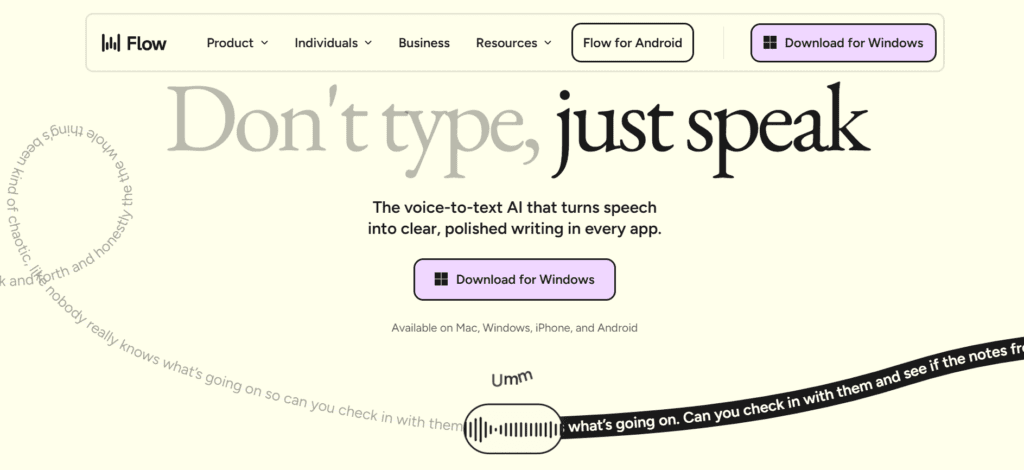
Another best AI productivity tool, Wispr Flow lets you speak instead of type and works across Mac, Windows, and iOS. It turns your voice into clean text that fits the app you are using, from emails and chats to code, saving hours every day.
Key Features
- Universal voice-to-text across every application, eliminating app switching and context loss.
- AI-powered edits automatically remove filler words and structure content
- Saved snippets create voice shortcuts for frequently used text blocks
- SOC 2 Type II and HIPAA compliance for enterprise security
- File tagging by voice in development environments
- 100+ language support for global teams
Harmony AI
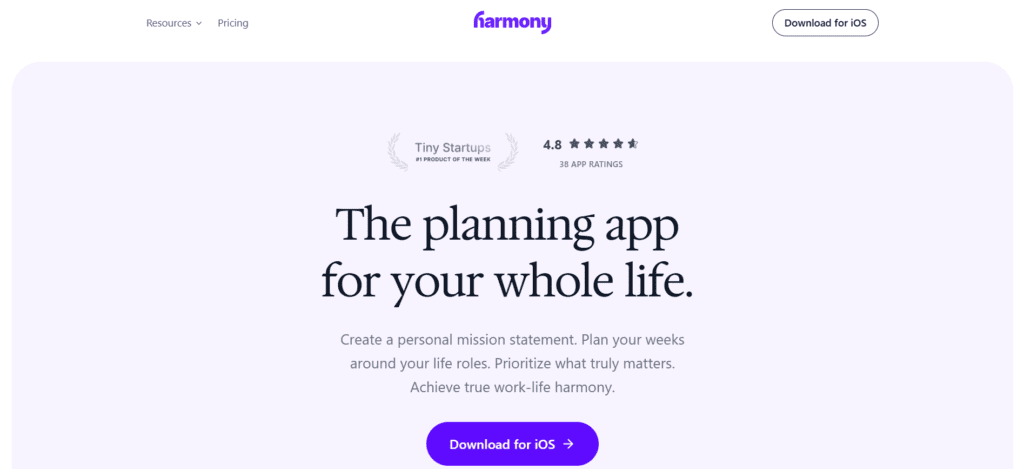
Harmony AI is different from your normal habit tracker. It starts with your personal mission, turning the same into a weekly plan. It helps busy people balance work, family, and goals so habits feel meaningful, not just checked off.
Key Features
- Read emails aloud with threads and summaries.
- Offers hands-free use while driving or exercising.
- Voice Commands for managing emails
- Compose, send, and draft emails by voice
- Unsubscribe from newsletters using voice
Strong security and privacy protections
Claude AI
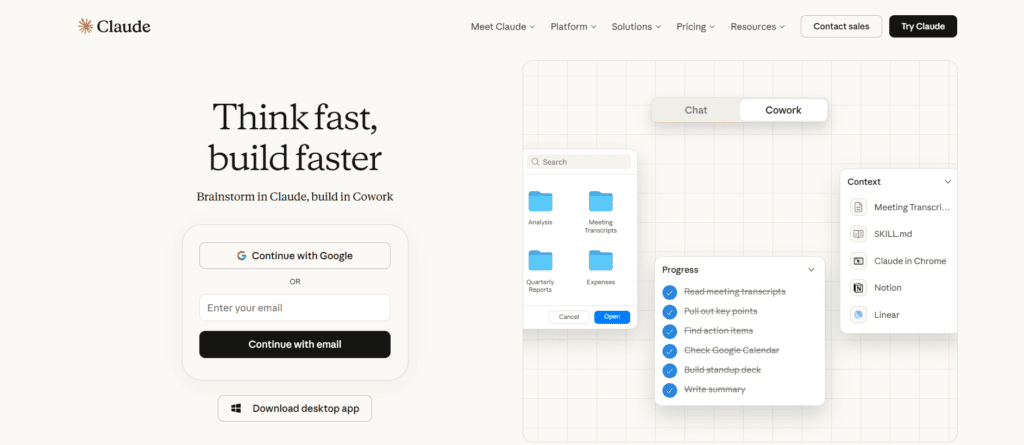
Claude AI is one of the best free AI tools for productivity online. It stands as a smart assistant for writing, research, coding, and tricky problems. It feels easy to talk to. It focuses on safety, thinks things through, and handles detailed work through calm, natural conversations.
Key Features
- Easily handles and summarizes large documents.
- Offers string programming assistance.
- Reliable for software development.
- Integrates well with popular platforms.
Future of AI and Focused Work
In the near future, AI could help people stay focused by acting like a personal coach that learns how you work and nudges you toward deep work time. Some tools may even predict the best times for focused sessions and tailor productivity plans to your habits. However, there are also ethical questions about attention tracking and privacy since AI systems need detailed personal data to work well. To use these tools in the right way, we must balance better focus with respect for people’s privacy and rights.
Conclusion
In a world filled with buzz and noise, staying focused is a challenge. Whether you need help with planning, meetings, habits and deep work, AI tools tackle focus from all angles. Since you will not require using all AI productivity tools together, start with the one that fixes your biggest pain point. Remember, tools will only support you, and you will require having a clear focus for your daily effort. Pick one AI tool that feels right and commit to a 30 day trial. Use it daily and notice the change. In 2026, focus is a superpower that these AI tools help you build step by step.


Best AI Video Tools to Create Videos Faster
Best AI Productivity Tools to Boost Focus

Best AI Image Tools for Creators in 2026
Best AI Audio Tools for Podcasters in 2026

9 Most Common Interview Questions in 2026 (With AI-Optimized Answers)