
- Anywhere



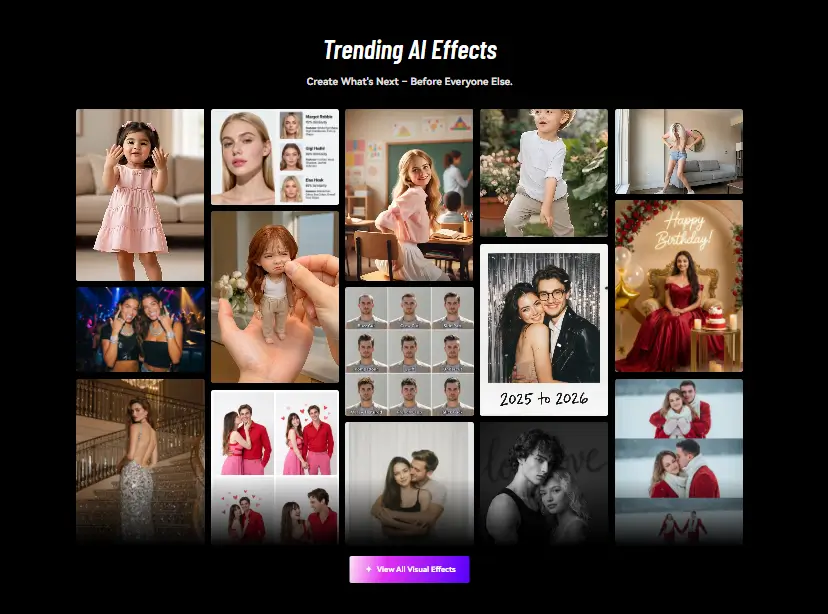
What is Media.io?
WonderShare Media.io is a solid all-in-one website packed with AI tools for working with videos, sound, and pictures. Think of it as a Swiss Army knife for content. With this tool by your side, you no longer need to install heavy software. Instead, you can pick what you want to do, upload your file, and let the AI handle it. The AI video tool can turn any picture into fabulous videos. Looking for anime style art? Switch to the tool to experience the magic. Audio editing includes noise removal and voice changing. The tool’s killer score and good value for money makes it a perfect choice for creators, educators, marketers, and anyone who wants quick results.
Specifications
| Category | Details |
| Primary Functions | All-in-one platform with AI tools for making and editing videos, images, and audio. |
| Key Technology | Uses AI for video generation from images and text. Machine learning handles image style transfers like anime conversion. Audio AI does noise reduction and voice manipulation. Comes with advanced stuff packed together. |
| Integrations | Web-based platform works in browsers and some desktop features. Doesn’t connect super well with other software. Mostly standalone, limiting workflow integration. |
| Special Features | AI music generator Image upscaling Background noise removal Audio enhancement tools Voice cloning Generates audio subtitles |
| Pricing | Subscription based |
| Free Trial | Available |
Key Features
Image to Video Generation: Users require uploading static photos and the AI animates them into video clips. Adds camera movements like zoom, pan, and rotation. Throws in effects and transitions. Can add background music too. Useful when you have photos but need video content. Social media loves video so this helps repurpose images. Way easier than manual animation generating results that look professional enough for most uses.
Image to Anime Conversion: Media.io is one of the coolest features of Media.io. Take any photo and convert it to anime art style. Multiple template choices change the look completely. Felt style, pixel art, watercolor effects, and more. Great for profile pictures, creative projects, or just fun. Popular with younger creators especially. Quality is surprisingly good for AI generated art. Makes unique content easily.
Audio Cleaning and Editing: Background noise ruins many recordings. The AI noise reducer fixes that problem. Works on podcasts, voice-overs and interviews. Voice changing effects let you modify how you sound. Want to sound robotic or different pitch? Easy. Vocal removal strips singing from music tracks. Helpful for karaoke or remixes. Audio tools save you from needing separate audio software.
Generates Music from Text: Type what kind of music you want and AI generates it. “Upbeat electronic dance music” or “calm piano background.” Creates original tracks without copyright issues. Quality isn’t studio level but works fine for videos. Beats paying for stock music or dealing with licensing. Good enough for YouTube backgrounds or presentations.
Voice Cloning Technology: Record someone’s voice or use samples. AI learns how they sound. Generate new speech in that voice. Useful for consistent narration across videos. Content creators use it when they can’t record more audio. The quality of the cloned video depends on the sample quality and length.
Pros
✅ Offers a wide array of tools for video, image, and audio editing, accommodating diverse creative needs.
✅ Intuitive interface that simplifies the editing process, making it accessible to users of all skill levels.
✅ Comes at affordable pricing options compared to traditional software, with a free tier available for basic use.
✅ Delivers professional-grade results with minimal effort, enhancing the quality of content across various media.
Cons
❌ The free version includes watermarks on exported content, limiting its use for professional purposes.
❌ Currently, the platform has restricted compatibility with other software, which could hinder workflow integration.
❌ Free users face restrictions on the number of content generations per day.
Who is Using Media.io?
Content Creators: YouTubers, TikTokers, and Instagram folks use it to quickly edit clips, add subtitles, or make short promo videos. It helps them post more often without spending all day editing.
Marketing Professionals: Small business owners and marketers use it to whip up social media graphics, clean up customer testimonial audio, or make simple product videos when they don’t have a big budget.
Educators and Trainers: Teachers use it to make short explainer videos. They might turn a diagram into a short animated clip or remove noise from a recorded lecture.
Freelancers in Creative Industries: Solo workers like social media managers or graphic designers use it for quick jobs. If a client needs a fast photo touch-up or a background removed, they can do it here without opening Photoshop.
Special Cases: Podcasters are using the audio tool to clean up their recordings. The noise remover is handy for getting rid of air conditioner hum or echo from a home recording. Regular people use it for fun, like turning family photos into a little video with music or making anime-style avatars for their gaming profiles.
Pricing
Free Plan: Users get 1GB storage. You can export videos at 720p; however, they’ll have a watermark. You also get a trial of some AI tools. Good for testing.
Standard Plan ($9.99/ month): This is the sweet spot for most people. 20GB storage for projects. 1080p exports with no watermarks. Basic video editing works well. 60 minutes of auto subtitles monthly. Templates and effects included. Good value honestly.
Premium Plan ($17.99/ month): Everything from Standard plus more. 50GB storage for bigger projects. 120 minutes of subtitles with translation. Access to 10+ AI features. Voice clone, music generator, image enhancer. Worth it if you use AI tools heavily.
What Makes Wondershare Media.io Unique?
- Integration of a variety of AI-powered tools for video, image, and audio content creation.
- Ability to transform static images into dynamic videos.
- Ability to convert text into music or anime-style visuals.
- Offers creative flexibility and innovation in one package.
Rating
| Category | Rating (⭐/ 5) |
| Ease of Use | 4.8/ 5 |
| Cost Efficiency | 4.7/ 5 |
| Accuracy and Reliability | 4.5/ 5 |
| Performance and Speed | 4.4/ 5 |
| Functionality and Features | 4.6/ 5 |
| Customization and Flexibility | 4.3/ 5 |
| Data privacy and Security | 4.2/ 5 |
| Support and Resources | 4/ 5 |
| Integration Capabilities | 3.8/ 5 |
| Overall Score | 4.3/ 5 |
Summary
WonderShare Media.io is a combination of all the useful AI tools in an affordable package. The anime converter and AI music generator are unique features you don’t find everywhere. Video, image, and audio editing all work from one place. Free plan lets you test stuff but has watermarks. $9.99 monthly removes watermarks and adds features. Premium at $17.99 unlocks all the AI tools. Easy to use even for beginners. Although Media.io covers most creator needs, it does not replace professional software. Special features make it interesting beyond basic editing. Worth trying if you make content regularly.
Disclaimer
The review stands as a reflection of the Media.io’s offerings. It might not represent the present capabilities. Verify the pricing, specifications and features of the platform at the official website of Media.io before making any purchase decisions.
Related AI Tools
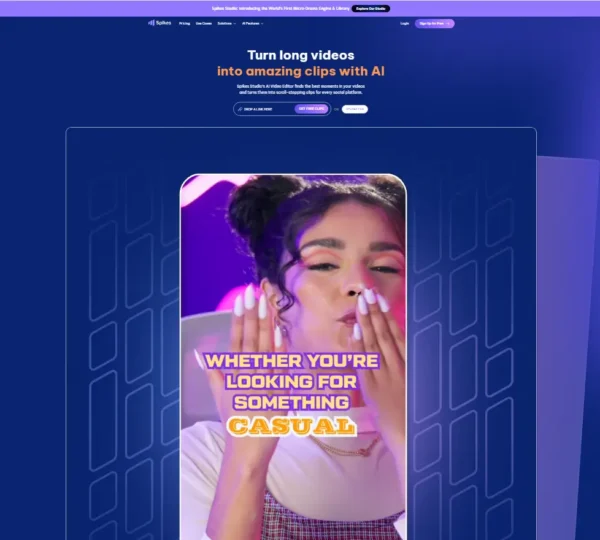
Spikes Studio
Category: AI Video Tools
What is Spikes Studio? Spikes Studio helps you turn long videos into short clips fast. The AI finds the best…
Price starts from Free
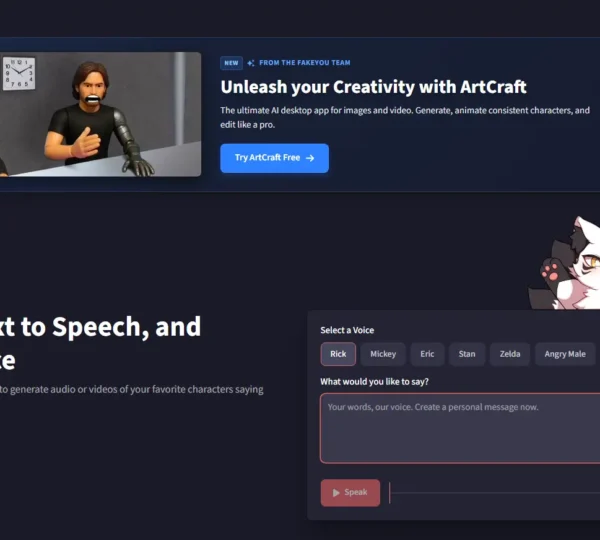
FakeYou
Category: AI Audio Tools
What is FakeYou? FakeYou is an AI tools that focuses on synthetic voice creation. At its core, it allows you…
Price starts from Freemium
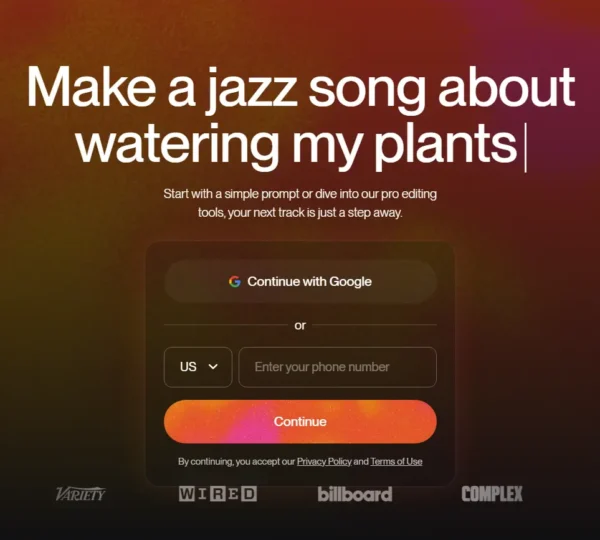
Suno AI
Category: AI Audio Tools, AI Productivity Tools
What is Suno AI? Suno is an AI-powered productivity tool that transforms the way professionals and enthusiasts are creating music.…
Price starts from Free
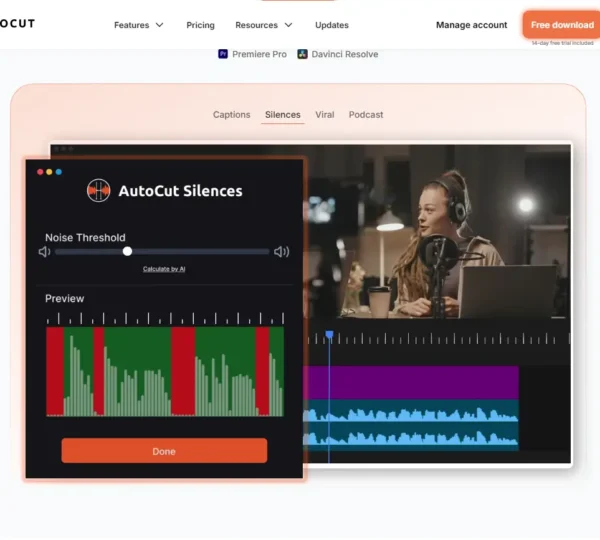
AutoCut AI
Category: AI Video Tools
What is AutoCut AI? AutoCut AI is a smart plugin for Adobe Premier Pro, designed for automating most of its…
Price starts from $6.60
Haiper AI
Category: AI Video Tools
What is Haiper AI? Haiper AI is an AI tool that helps faster creation and accessible. The users require giving…
Price starts from Freemium
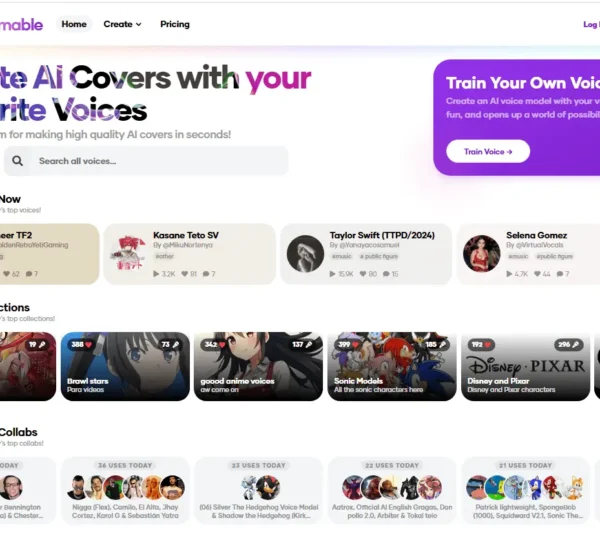
Jammable AI
Category: AI Audio Tools
What is Jammable AI? Formerly Voicify AI, Jammable AI revolutionizes the way individuals produce creative content through sophisticated AI-generated vocal…
Price starts from Free