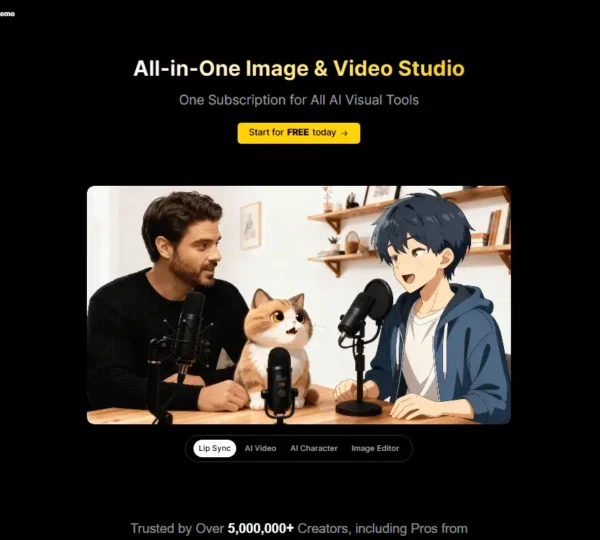
What is Artbreeder?
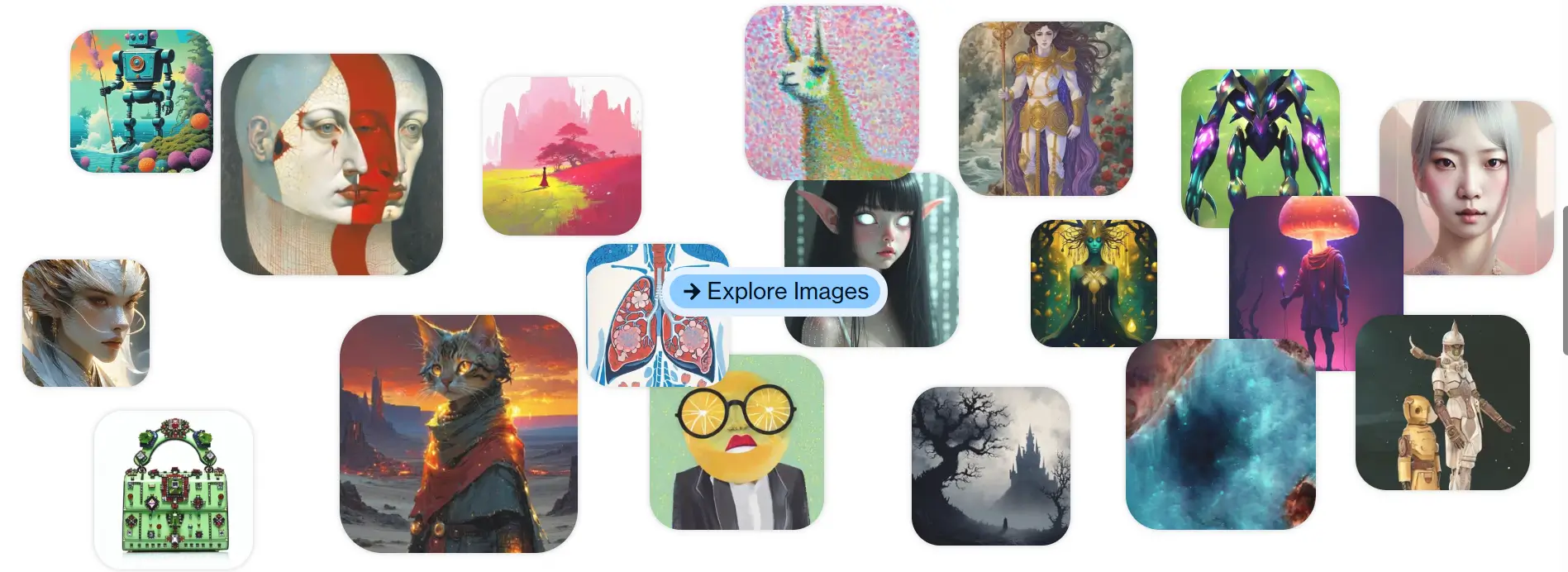
Artbreeder AI is an AI image generation platform that allows users to create and modify visuals through image blending and parameter editing. The platform focuses on collaborative creativity and visual experimentation. Users can generate portraits, characters, landscapes, and abstract artwork by adjusting image traits instead of writing long prompts.
Users start by selecting an existing image or generating a new one. The AI image tool allows them to modify facial features, colors, textures, and styles using adjustable sliders. Artbreeder combines multiple images to produce new variations, which helps users explore creative possibilities quickly. Artbreeder supports both personal creativity and professional projects. Artists, designers, and storytellers use the platform to create characters, concept art, and visual references.
Specifications
| Category | Details |
| Primary Functions | Generates and edits images using AI-powered blending and customization tools |
| Key Technology | - Generative Adversarial Network models support image blending and visual editing.
- Trait-based editing tools adjust features such as color, style, and structure.
- Collaborative image systems allow users to remix and enhance existing artwork.
|
| Integrations | - Works in modern web browsers on desktop and mobile devices.
- Supports image downloads for use in creative projects.
|
| Special Features | - Image Blending Technology
- Trait-Based Editing Sliders
- Collaborative Image Remixing
- Character and Portrait Creation Tools
|
| Pricing | Freemium model |
| Free Trial | Available with limitations |
Key Features
Image Blending Technology: Artbreeder allows users to combine two or more images to create new visual outputs. This feature helps creators experiment with styles and visual structures without drawing from scratch.
Trait-Based Editing Sliders: Users can modify specific image characteristics such as age, gender, color tones, lighting, and facial features. These sliders provide precise visual control while keeping the editing process simple.
Portrait and Character Generation: Artbreeder supports the creation of realistic portraits and fictional characters. This capability helps artists design characters for stories, games, and visual projects.
Landscape and Artwork Creation: Users can generate scenic landscapes, fantasy backgrounds, and artistic visuals. This feature supports concept design and creative storytelling.
Collaborative Remixing Tools: Artbreeder allows users to remix images created by others. This community-driven feature encourages collaboration and creative exploration.
High-Resolution Image Export: Users can download images in higher resolutions depending on their subscription plan. This feature supports professional usage in design and digital media.
Creative History Tracking: The platform stores previous versions of images. Users can revisit earlier edits and create new variations from existing designs.
Pros
✅ Provides flexible image blending tools for creative experimentation.
✅ Offers simple slider controls that make editing accessible to beginners.
✅ Supports portrait and character creation with realistic visual outputs.
✅ Encourages collaboration through remixing features.
✅ Stores creative history for future edits and improvements.
✅ Works entirely through a browser without requiring downloads.
✅ Allows quick generation of visual variations.
Cons
❌ Limited advanced editing compared to professional design software.
❌ Some generated visuals may require refinement for detailed projects.
❌ High-resolution exports require paid plans.
❌ Complex scenes may need multiple adjustments for accurate results.
❌ Learning trait controls may take time for new users.
❌ Who is Using Artbreeder?
Digital Artists and Illustrators: Artists use Artbreeder to create character designs, portraits, and visual references. The platform helps them explore creative directions quickly.
Game Designers: Game developers use the tool to design characters and environments. It supports rapid concept development during early production stages.
Writers and Storytellers: Authors create visual representations of fictional characters and settings. This process improves storytelling and world-building.
Graphic Designers: Designers generate visuals for marketing, branding, and concept presentations.
Content Creators: Social media creators use Artbreeder to design unique images for digital campaigns and posts.
Hobbyists and Creative Enthusiasts: Beginners experiment with visual design and explore artistic possibilities without advanced software.
Pricing
Free Plan: Includes limited image creation and editing features. Suitable for beginners who want to explore the platform.
Starter Plan: Includes increased image generation credits and enhanced editing controls. Suitable for regular creators.
Advanced Plan: Includes higher resolution exports and expanded customization options. Suitable for professional users.
Enterprise Plan: Includes extended usage capabilities and commercial usage permissions. Suitable for teams and businesses.
What Makes Artbreeder Unique?
- Uses image blending technology to create new visuals from existing images.
- Provides trait-based sliders that allow precise control over visual features.
- Supports collaborative remixing of community-generated artwork.
- Enables rapid creation of portraits, characters, and landscapes.
- Stores creative history that allows users to revisit and refine earlier versions.
- Encourages experimentation through fast visual variations.
Rating
| Category | Rating (⭐/5) |
| Ease of Use | 4.7 /5 |
| Cost Efficiency | 4.5 /5 |
| Accuracy and Reliability | 4.3 /5 |
| Performance and Speed | 4.6 /5 |
| Functionality and Features | 4.5 /5 |
| Customization and Flexibility | 4.2 /5 |
| Data Privacy and Security | 4.1 /5 |
| Support and Resources | 4.0 /5 |
| Integration Capabilities | 4.2 /5 |
| Overall Score | 4.4 /5 |
Summary
Artbreeder delivers a creative and flexible image generation experience that focuses on blending and customization. The platform supports character creation, landscape design, and collaborative visual editing. Its slider-based controls simplify complex editing tasks and make visual creation accessible to beginners. The platform may require additional refinement for highly detailed projects, but it performs strongly for concept design, character development, and creative exploration. Artists, designers, and storytellers benefit from its collaborative features and flexible editing tools. Artbreeder continues to support creative experimentation by offering powerful blending technology and intuitive design controls.
Disclaimer
The pricing and other information related to Artbreeder AI may not be up to date. We recommend users refer to the official Artbreeder website for the most accurate specifications and current pricing details.