What is Framer?
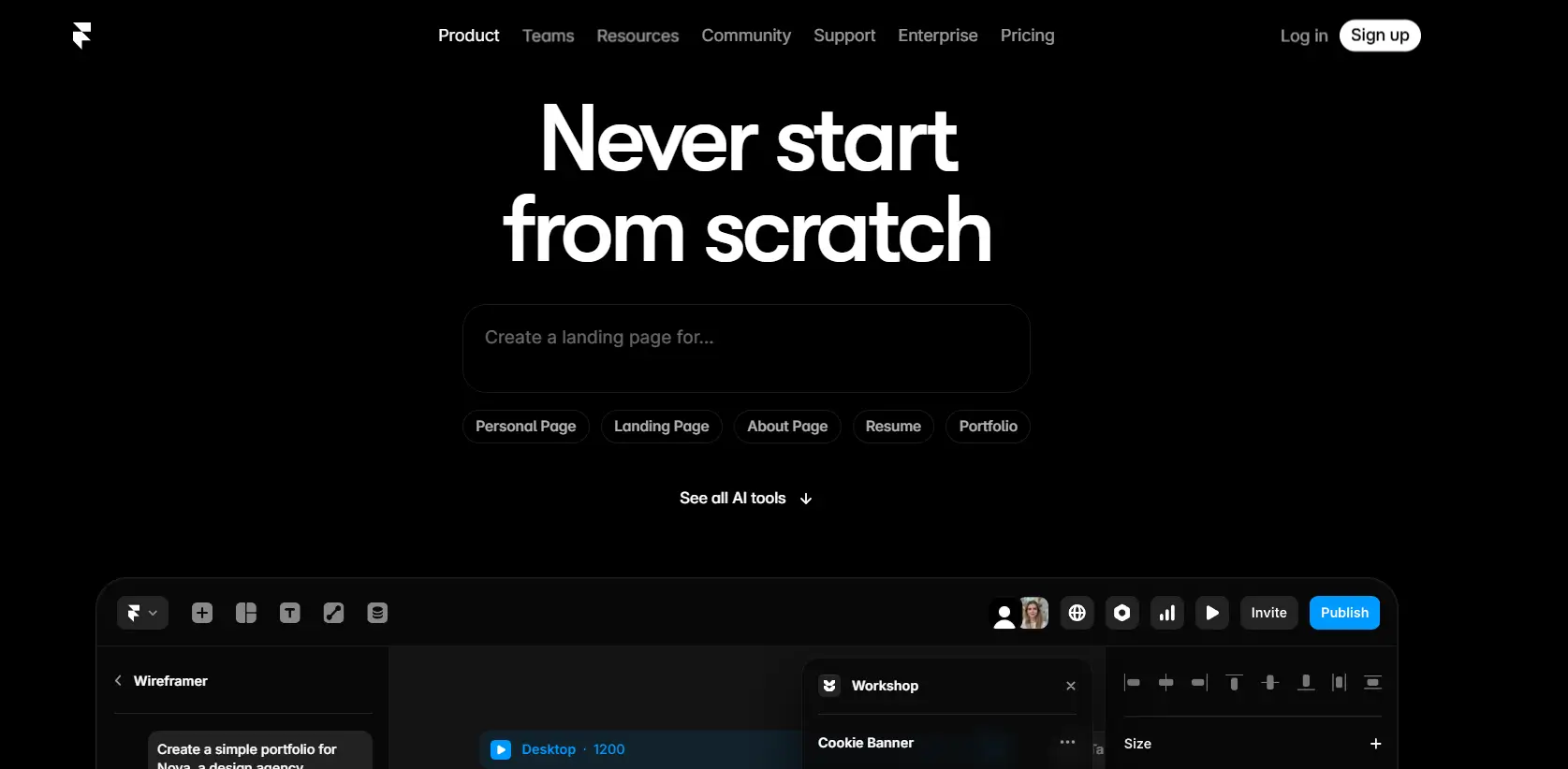
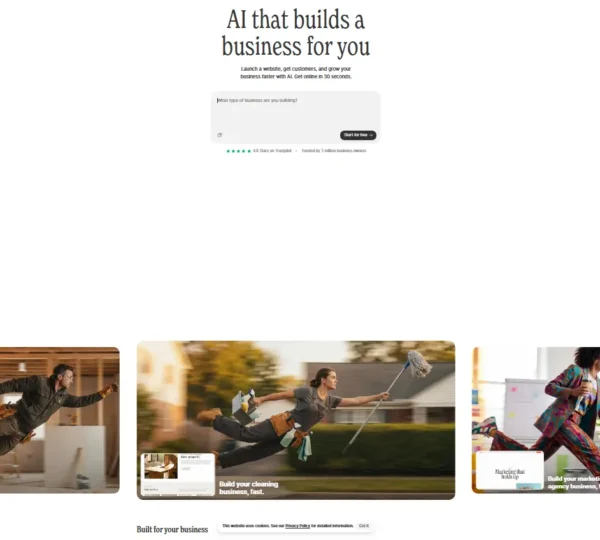
Modern website creation demands speed, creativity, and flexibility. Designers and businesses want tools that simplify development while maintaining visual quality. Framer stands out as a strong solution that combines design freedom with advanced website-building capabilities. This platform helps users create responsive websites, landing pages, and interactive prototypes without relying heavily on coding.
The dev and coding tool has gained strong attention among designers, startups, and agencies because it bridges the gap between design and development. It offers an intuitive interface, high-quality animations, and seamless collaboration tools that help teams move faster and deliver polished results.
Specifications
| Category | Details |
| Primary Functions | Visual website builder, animation design, and publishing platform |
| Key Technology | - Visual design engine
- Responsive layout framework
- AI-powered design assistance
|
| Integrations | Supports tools such as Google Analytics, CMS platforms, and third party design assets |
| Special Features | - Interactive animations
- AI layout generation
- Built in hosting and publishing
|
| Pricing | Freemium model |
| Free Trial | Available |
Key Features
Visual Website Builder: Framer provides a powerful visual interface that allows users to design complete websites without writing code. Users drag elements such as text blocks, images, videos, and buttons into layouts. The editor supports pixel level precision and responsive adjustments across screen sizes. This feature allows users to build polished websites quickly.
Interactive Animations and Effects: Framer includes advanced animation tools that allow users to create motion based interactions. Users design scrolling effects, hover transitions, and animated elements that improve user engagement. These animations help websites feel dynamic and modern without requiring external libraries.
AI Design Assistance: Framer includes AI powered tools that generate layout suggestions and content blocks. Users enter prompts and receive structured designs that match modern web standards. This feature helps beginners start projects faster and reduces design time for professionals.
Built In Hosting and Publishing: Framer includes hosting services that allow users to publish websites directly from the platform. Users connect custom domains and launch projects instantly. This feature removes the need for third party hosting providers and simplifies deployment.
Responsive Layout Controls: Framer allows users to design websites that adapt to multiple devices. Users adjust spacing, alignment, and layout behavior for desktops, tablets, and smartphones. This feature ensures consistent user experience across platforms.
CMS and Content Management: Framer includes a content management system that allows users to update blog posts and dynamic content easily. Users manage content without changing the main design structure. This improves content management efficiency and scalability.
Pros
✅ Simplifies website creation using visual tools
✅ Supports advanced animation design
✅ Provides built in hosting and publishing
✅ Offers responsive layout controls
✅ Includes AI powered layout suggestions
✅ Reduces dependency on coding knowledge
✅ Supports collaborative design workflows
Cons
❌ Learning advanced animation tools may require time
❌ Large scale enterprise projects may require additional development tools
❌ Premium features available only in paid plans
❌ Complex designs may require strong design knowledge
❌ Internet connection required for publishing
Who is Using Framer?
Designers: Design professionals use Framer to create interactive portfolios and creative websites. The animation tools help them showcase projects with engaging visual effects.
Startups: Startups use Framer to build landing pages that promote products and services. Quick publishing helps them launch campaigns faster.
Marketing Teams: Marketing professionals use Framer to create promotional websites and campaign pages. Interactive layouts improve visitor engagement.
Businesses: Companies use Framer to design brand websites that reflect modern design standards. Built in hosting simplifies maintenance tasks.
Content Creators: Creators use Framer to manage blogs and digital portfolios. The CMS system allows frequent updates without redesigning layouts.
Pricing
Free Plan: Start building websites without upfront cost. Includes basic design tools, templates, and publishing features suitable for small projects.
Pro Plan: Monthly subscription provides advanced features such as premium templates, higher hosting limits, and additional collaboration tools.
What Makes Framer Unique?
- Combines design, animation, and hosting in one platform
- Offers AI powered layout and content generation
- Supports advanced motion effects without coding
- Provides responsive design tools for multiple devices
- Allows instant publishing with built in hosting
- Includes reusable templates and components
- Supports collaborative workflows for teams
- Delivers modern website performance optimization
Rating
| Category | Rating (⭐/5) |
| Ease of Use | 4.6 /5 |
| Cost Efficiency | 4.4 /5 |
| Accuracy and Reliability | 4.6 /5 |
| Performance and Speed | 4.7 /5 |
| Functionality and Features | 4.8 /5 |
| Customization and Flexibility | 4.7 /5 |
| Data Privacy and Security | 4.5 /5 |
| Support and Resources | 4.6 /5 |
| Integration Capabilities | 4.5 /5 |
| Overall Score | 4.6 /5 |
Summary
Framer provides a modern platform that helps users design and publish websites without complex coding workflows. The visual builder allows creators to control layout details with precision, while animation tools improve user engagement. Built in hosting reduces technical barriers and allows quick deployment of projects. AI powered design assistance speeds up development and helps users create structured layouts efficiently.
Businesses and creators benefit from faster production timelines and improved design flexibility. While advanced features may require practice, the platform delivers strong value for designers and teams that want responsive, visually rich websites. Framer stands as a reliable choice for users who want to build professional websites with modern interactive elements.
Disclaimer
This review reflects platform details available in early 2026. Features and pricing may have changed. Please refer to the official Framer website for the most current information.